Write and revise manuscripts
Edit your manuscript in the writing workspace. Compare your current draft with the last saved version to see what changed.
 Lixity
 brings writing, text analysis and research into one app on your computer. You can compare drafts, inspect marked passages and open sources linked to the text.
Silent recording of the fictional Warehouse 4 project in the development build.
The video could not load. Explore the interactive demo instead. Open the read-only demo
Edit your manuscript in the writing workspace. Compare your current draft with the last saved version to see what changed.
Compare sentence rhythm, word choice and quoted words across chapters. Open the passages behind a measurement to see what Lixity counted.
Link sources and character dossiers to passages in the manuscript. Open the saved source version as you read.
Export a saved dossier as a PDF with passages and source quotations. You can also make a reading site with selected chapters and background notes.
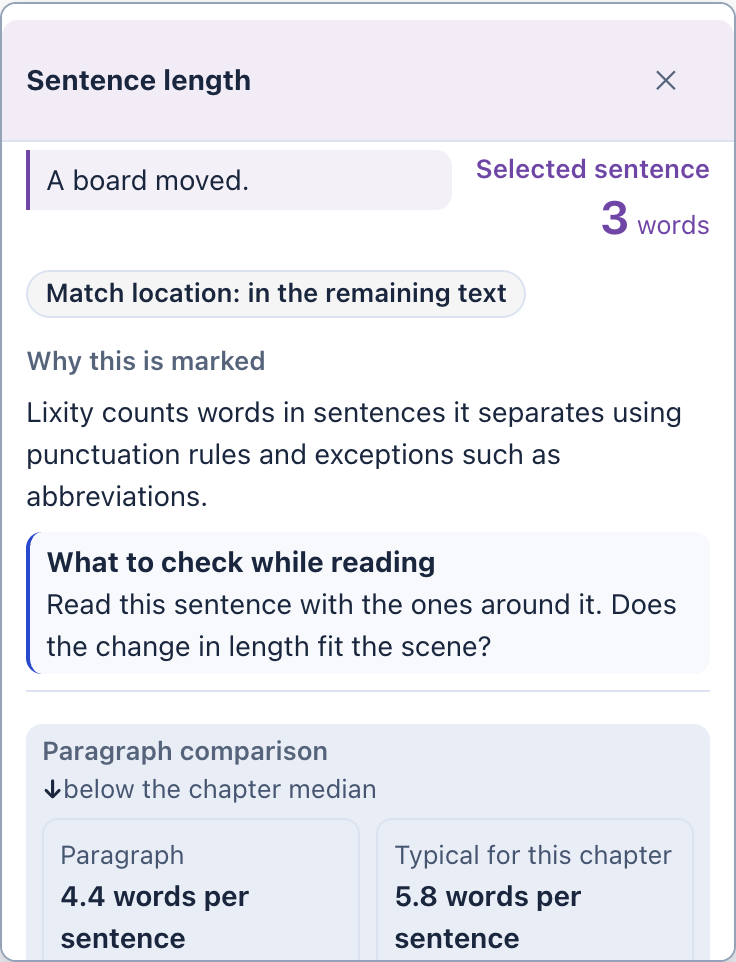
A mark shows what Lixity counted. Read the passage in context and decide if the long sentence or repetition fits the scene.
You can review sentence lengths, recognized quotations and repeated words in the text and compare chapters.
Your project files stay on your computer, where the built-in analysis runs. Optional services such as maps and external language models have their own data requirements.
The browser exercise checks a paragraph with simplified rules. The demo is a larger read-only project. Install the app for full analysis of your own text.
In one sentence from the demo, Lixity counts 31 words, including 22 function words.
The browser exercise lets you edit a sample paragraph and check the count again.
Choose macOS, Windows or Linux. The guide takes you from download to first launch.
Download the desktop appThe site and app interface are available in seven languages. Choose the manuscript analysis language explicitly; technical documentation remains in English.
Language rules and coverage vary by language, with German and English offering the deepest checks. Switching the interface language never alters your manuscript.
Technical guides, methods and automation contracts are maintained in English.
Tell us what you wanted to do and where you got stuck. A few steps or a fictional example are enough.
Share feedback